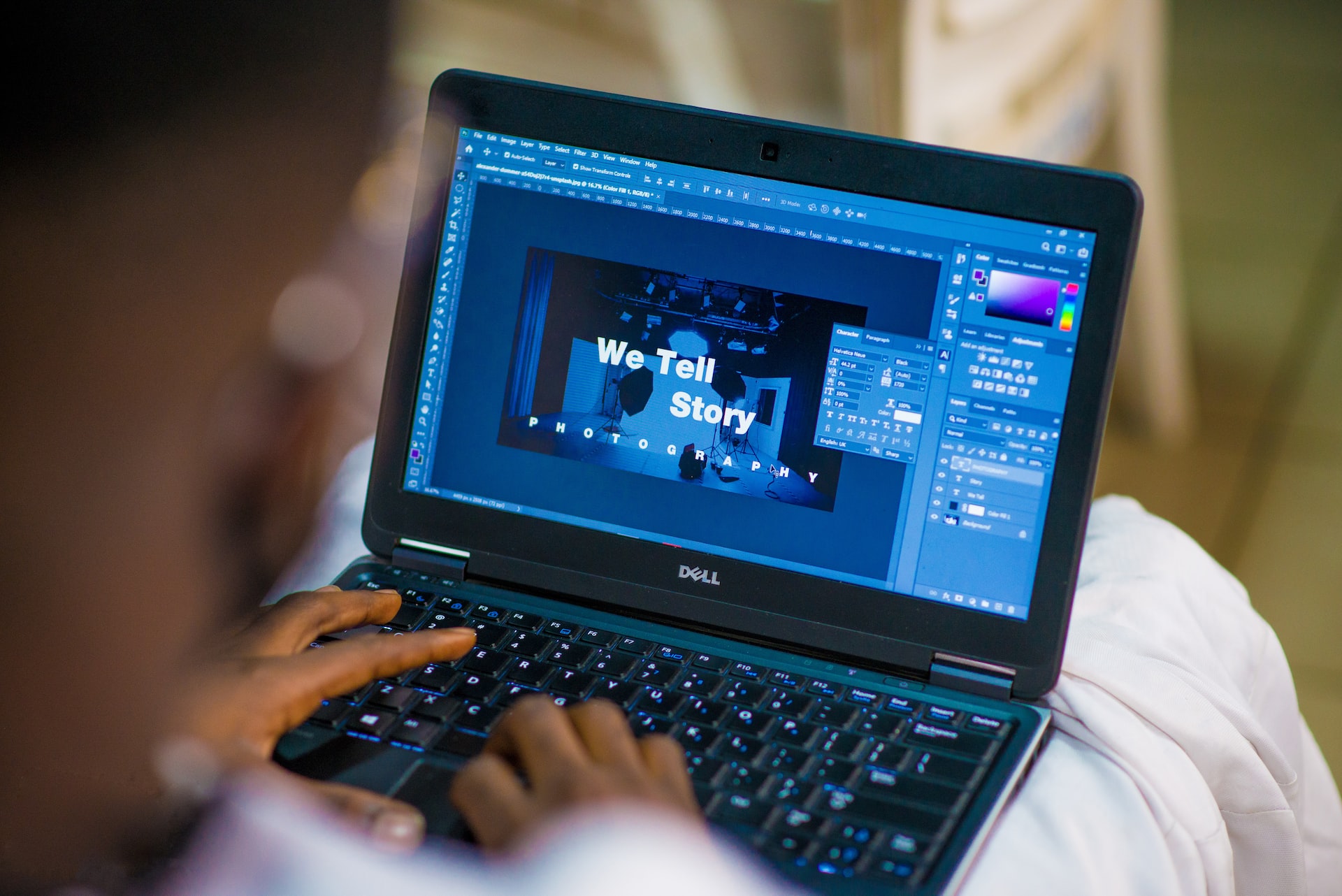
Graphic design is the process of visual communication and problem-solving using one or more of typography, photography, and illustration. The field is considered a subset of visual communication and communication design, but sometimes the term “graphic design” is used interchangeably with these due to overlap. It can be either applied art (where the aesthetic qualities are valued over functional or information-based elements) or an integral part of graphic design applied to an applicable principle (as in commercial art). Graphic designers use typography, visual arts, and page layout techniques to create balance and integrate with the message or narrative being presented in the copy.
Graphic designers often use multiple types of media to complete work for a variety of clients: print ads, brochures and other advertisements, corporate identity programs, editorial designs such as magazines and newspapers, packaging design, posters, billboards, trade show exhibits, websites, and more. Designers may specialize in one type of medium; for example, print design specialists typically do not know how to create websites.
The following are some of the free tools for a graphic designer:
Canva is a free design tool that lets you create graphics for your website, social media posts, blog posts, and more. Canva has over 2 million users who have created over 50 million designs. It’s simple to use, and the results are impressive! You’ll find hundreds of templates to choose from and a wide range of customizable elements, including fonts and icons. You can even upload your photos or clipart images in your designs. You can also add text and shapes to your image to create something unique and personalized. This can be done by simply dragging and dropping text boxes onto your canvas or adding them directly from their library. And suppose you want something more advanced than what Canva offers out of the box. In that case, there’s also a selection of premium templates available for purchase within the app, including everything from business cards to invitations and more!
Design Wizard is an easy-to-use web app that lets you quickly design graphics for your blog posts, creating compelling images to capture your readers’ attention.
The best way to ensure your blog posts get maximum exposure is by using well-designed and visually appealing images. And luckily, there are several web apps out there that can help you create these types of pictures in just a few seconds. One of the latest tools to join this growing list is Design Wizard, which allows you to create beautiful images using its simple drag-and-drop interface. It features over 100 pre-made templates that cover everything from social media posts to infographic templates.
Piktochart is a free online design tool that gives those without experienced designers the power to create visual content for the blog and social media posts.
Piktochart is probably one of the most famous infographic design tools today. It’s an easy-to-use online graphic design software that allows anyone to create visuals that can be exported as PNG, JPEG or PDF files. The best part about this tool is that it’s free! Piktochart has more than 100 free templates you can use when designing your infographics, so you don’t have to start from scratch if you don’t want to. You also have access to thousands of icons and images in their library, so finding something that matches your theme is easy. Piktochart offers a range of ready-made templates for specific topics such as business, marketing, or education to make things even easier for beginners. You can also start from scratch by customizing one of their existing templates by adding text boxes and inserting images from their library into them until they look how you want them to. Once your infographic is complete, Piktochart will generate a code snippet for embedding into your website or blog post, so it looks great when displayed on others.
PicMonkey is another popular tool for creating visuals for social media posts or blog posts. It offers a similar experience as Canva but with more options and features.
PicMonkey has over 500 free designs available on your social media channels, or you can make your design by choosing from the many different fonts and colors available. You can add text, shapes, and photos to make your design unique. Make sure you’re using high-resolution images, so they look crisp on any screen size. Also, keep in mind that some social media channels have restrictions on how large your photos can be, so check out the guidelines before posting.
Pixlr is a free online design tool that gives those without experienced designers the power to create visual content for blog posts and social media posts.
The best thing about Pixlr is it’s free, so you won’t have to spend any money on it. The tool also has a simple user interface that makes it easy for beginners.
Pixlr has many different effects and filters to choose from, making it perfect for creating unique images for your blog posts. You can crop and resize photos and add text overlays, stickers, frames, and more.
In the digital age, it is more important than ever for businesses to have a solid visual identity. Graphic design can help businesses to stand out from the competition and make a lasting impression on customers.
Creating eye-catching imagery can be difficult and time-consuming if you don’t have the right tools. Fortunately, these 11 free online design tools (plus one bonus) can take some of the pain away and help you create professional-looking graphics in a matter of minutes, whether you’re new to design and need guidance or a pro-designer looking for a quick solution. So, give one of these tools a try next time you want to add something visually appealing to your blog posts or social media posts.