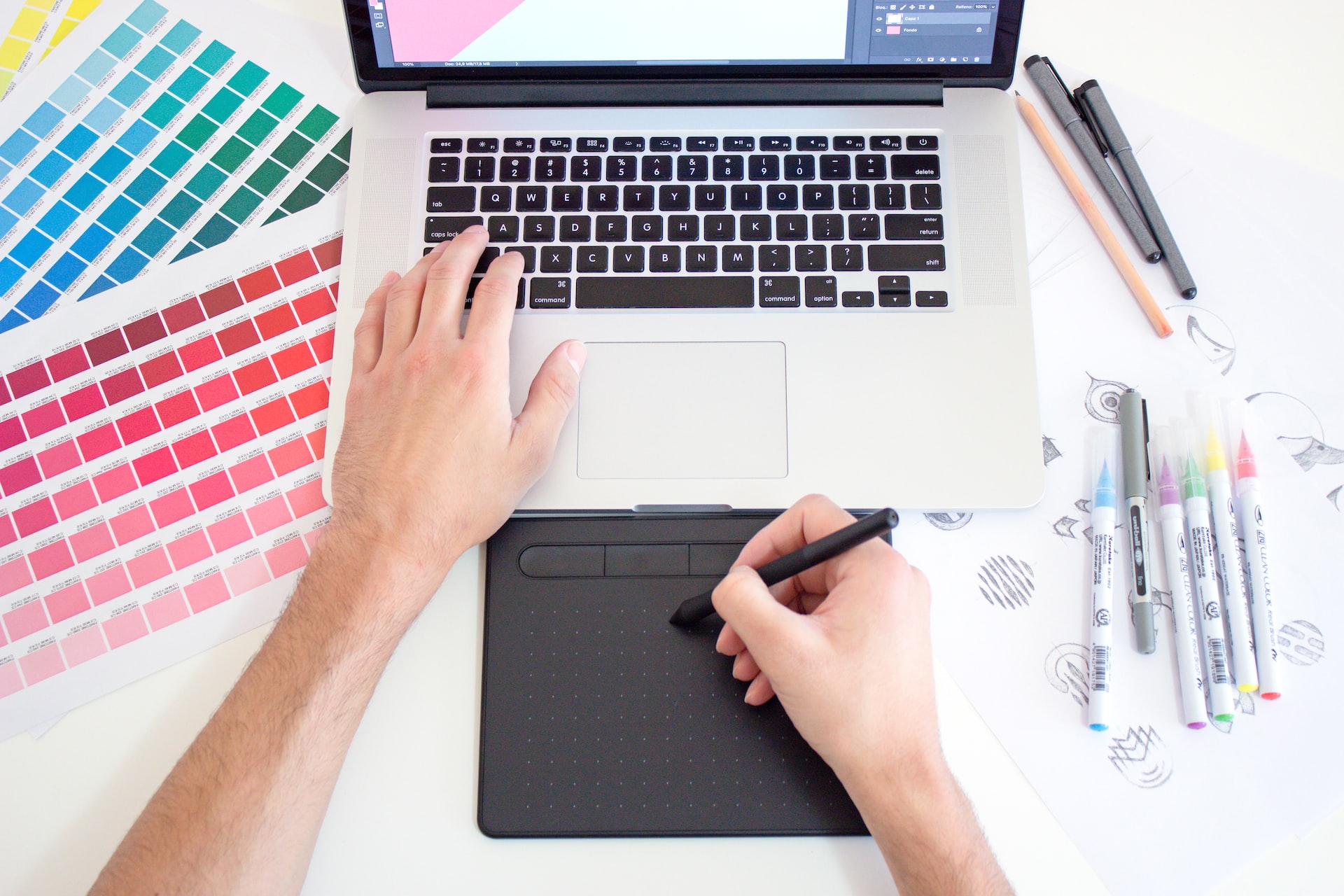
Graphic design is a creative process. It involves a lot of planning, designing, and editing before you get the final product. The best graphic design tools make your life easier and help you to create unique designs in less time.
The following are some of the best graphic design tools:
-
Adobe Photoshop. Adobe Photoshop is the most popular graphics editing software in the world. It’s used by professional photographers, designers, and people who just want to touch up their vacation photos or create a meme or two.
-
Illustrator. Illustrator is the industry standard for creating vector artwork. The program uses graphic designers, illustrators, and artists to create or manipulate images using vector-based graphics.
-
InDesign. Adobe InDesign CC is the industry standard for page design, layout, and publishing. Create professional publications and marketing materials easily using a desktop publishing application loaded with powerful features.
-
After Effects. After Effects is a motion graphics and visual effects (VFX) application developed by Adobe Systems, it can be used to create and manipulate special effects, such as dissolves and cuts to black and white, or to animate the position or other properties of individual elements such as text and graphics. In addition, it has become a powerful tool for traditional animation.
After Effects can also be used in video games, game designers use it for tasks such as object animation and creating new assets for games.
-
Premiere Pro. Premiere Pro is the most powerful video editing software in the world. It’s perfect for making everything from music videos to feature films, and it works seamlessly with After Effects, Photoshop, Illustrator, and more.
-
Canva. Canva is an online design tool that helps you create eye-catching designs for your blog, social media, or other digital projects. You can choose from over one million stock photos and graphics in the Canva library or upload your images to make a custom design. Canva has layouts for every type of project — whether you’re creating a social media post, blog header image, business card, or flyer.
Canva is free and available on desktop and mobile devices (iOS and Android). The basic version of Canva includes access to over one million stock photos, graphics templates, and fonts — enough to create almost any design you can imagine! Premium plans are also available for more advanced features like collaboration tools and unlimited storage space for your projects.
-
PicMonkey. PicMonkey is an online photo editor that lets you quickly and easily edit your photos, create memes, and make collages. The site also has a wide selection of free stock images for your projects.
-
Inkscape. Inkscape is an open-source vector graphics editor with capabilities similar to Illustrator, CorelDraw, or Xara X. What sets Inkscape apart is its use of Scalable Vector Graphics (SVG), an open standard XML-based file format for professional digital design. This page will help you get started with Inkscape and SVG.
📝 Learn more and Contact us at 📲 www.meetyourva.co
Check out also our Free Masterclass: How to leverage our appointment setters and to coach framework to get 10,15 or 20 appointments every month: